Find the Perfect Bite Together
Swipe, match, and eat together. Smak helps you and your friends discover restaurants you'll both love.
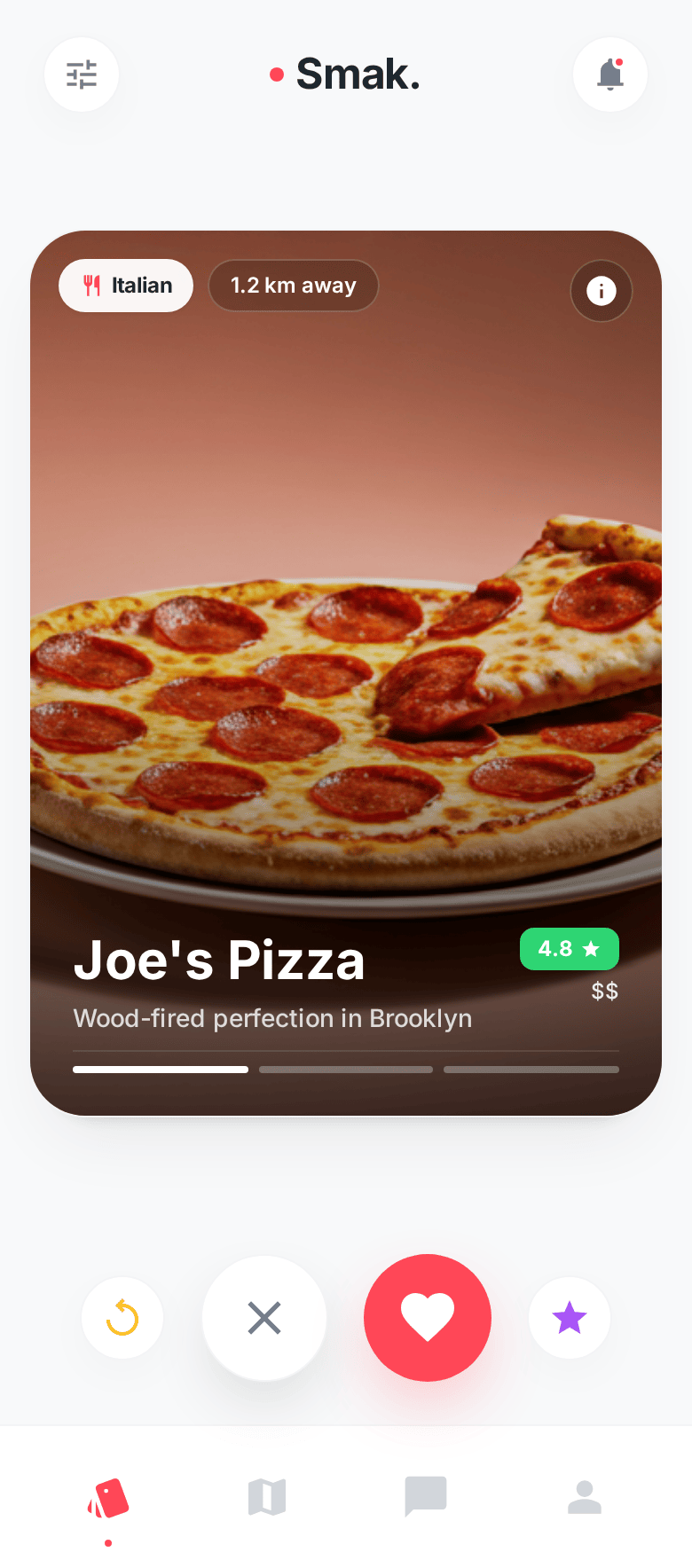
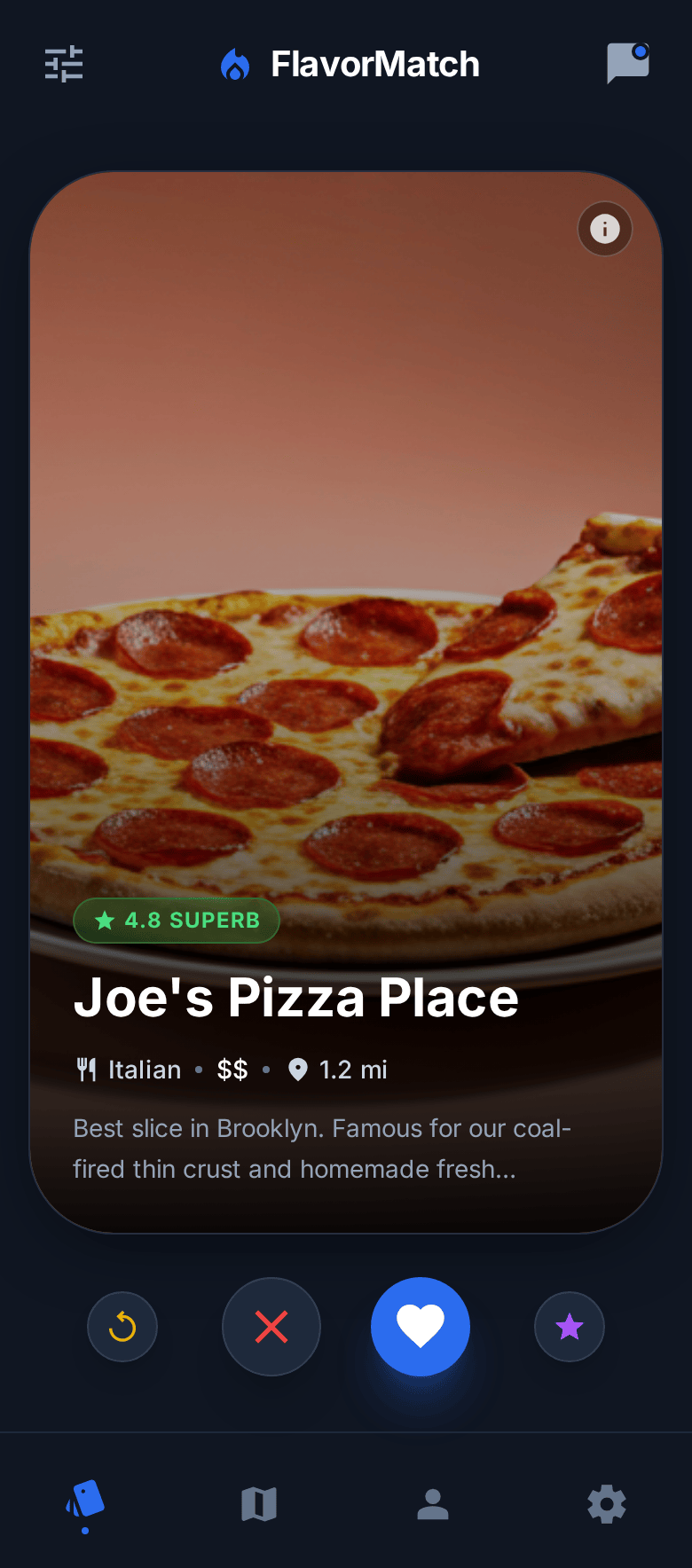
Swipe, match, and eat together. Smak helps you and your friends discover restaurants you'll both love.
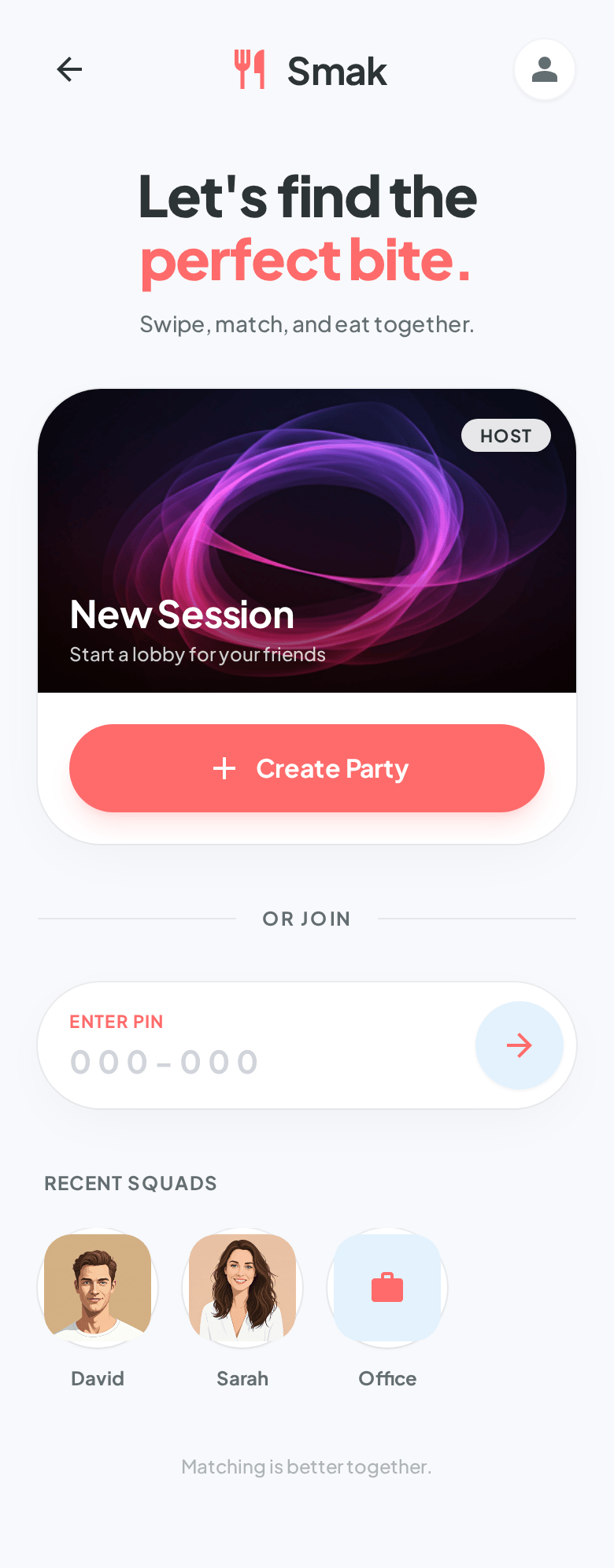
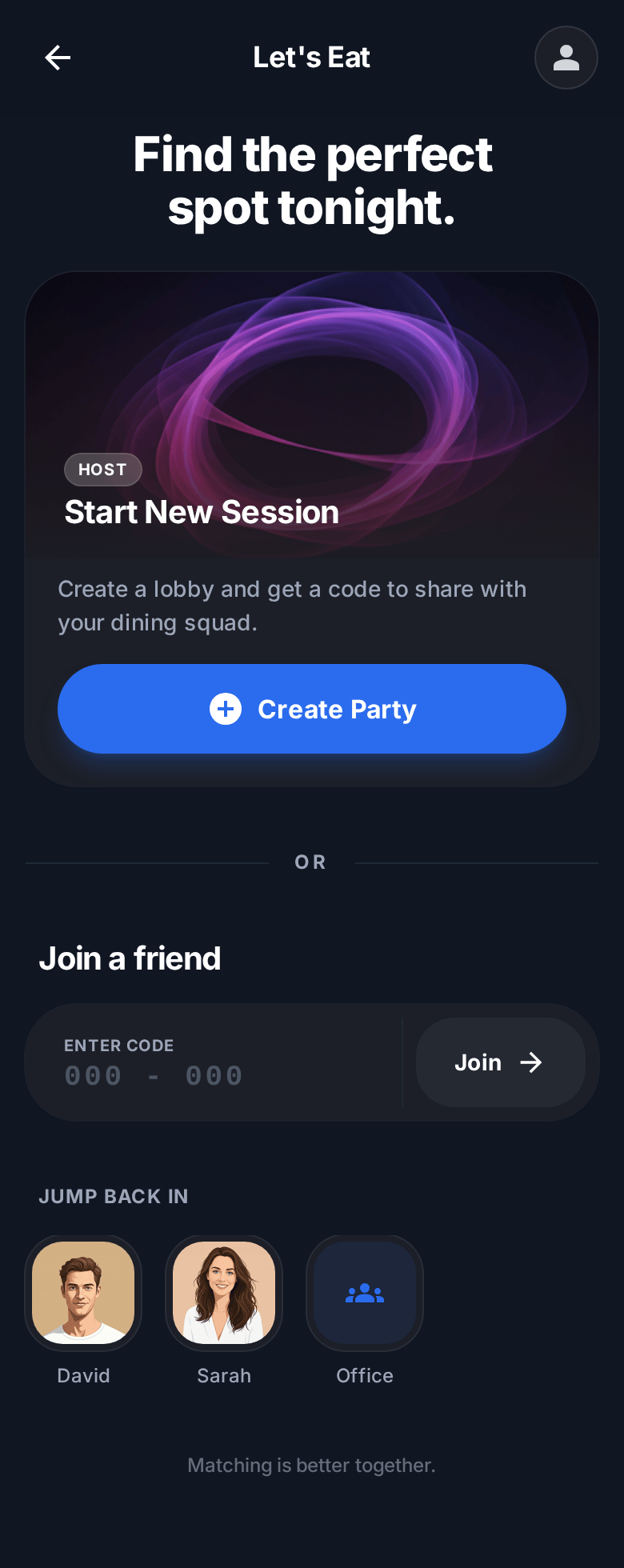
Create or join a session with a simple 6-digit code. No complicated setup needed.
Search restaurants near you powered by Google Places — cuisines, ratings, and photos included.
Tinder-style swiping makes finding mutual favorites fun and intuitive.
See matches instantly as you and your friend swipe through restaurants.
Explore the key features of Smak through our intuitive interface
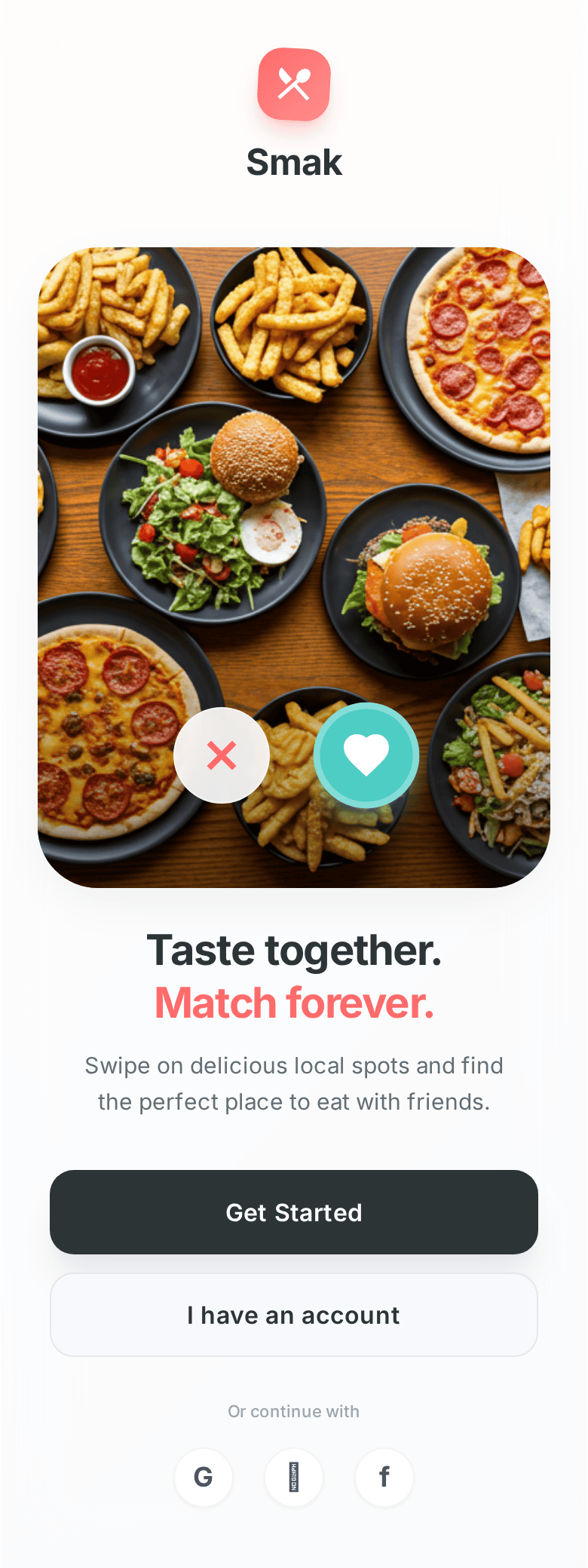
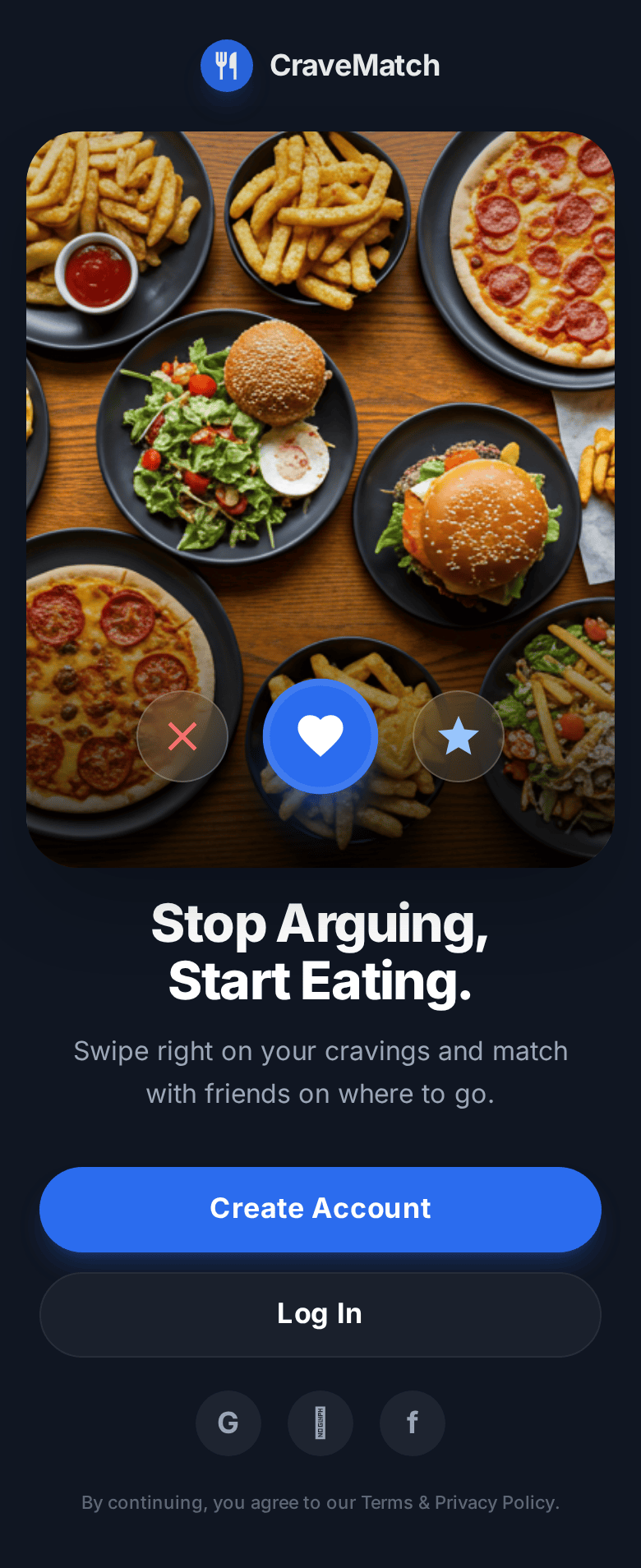
Sign in with email, Google, or Apple. Smak gets you straight to the food — no lengthy setup.
Create a party or join one with a PIN. Recent squads are one tap away so you can jump right back in.
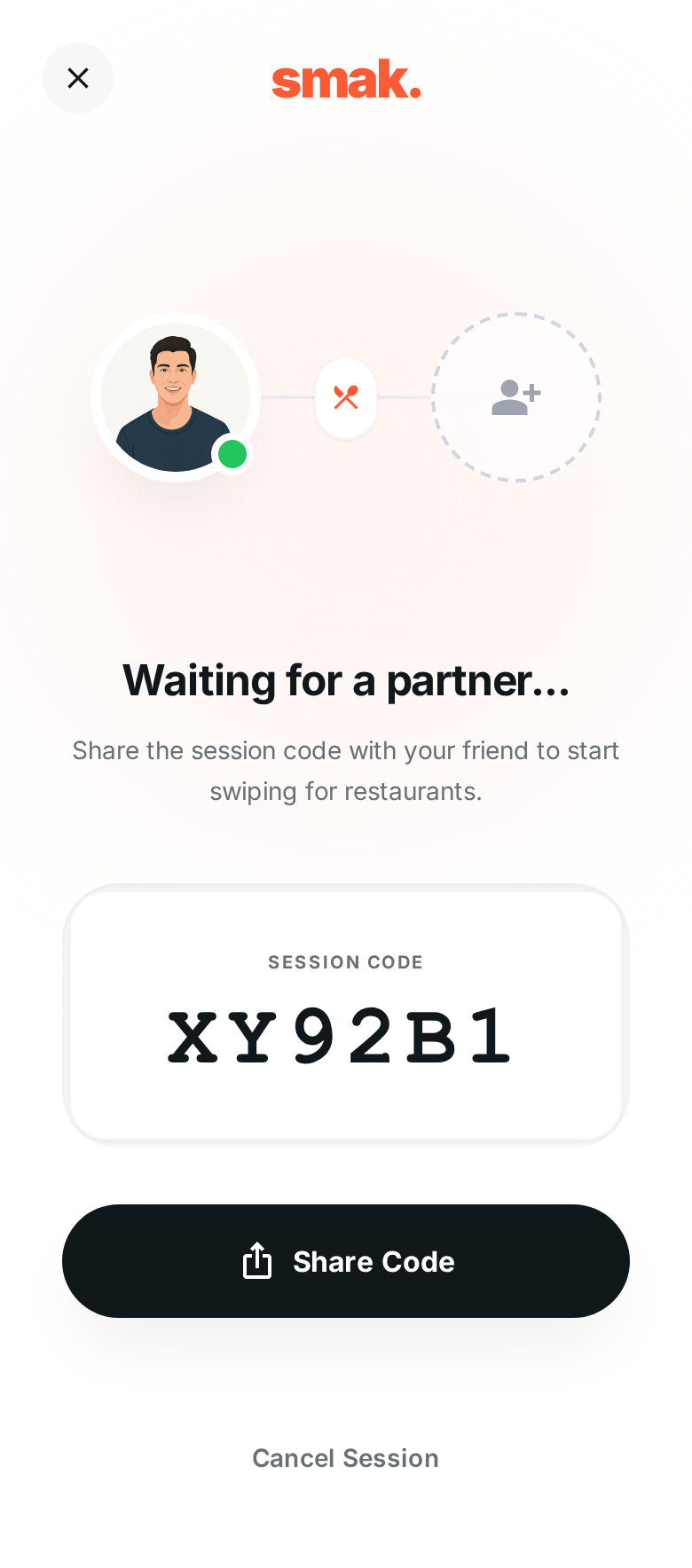
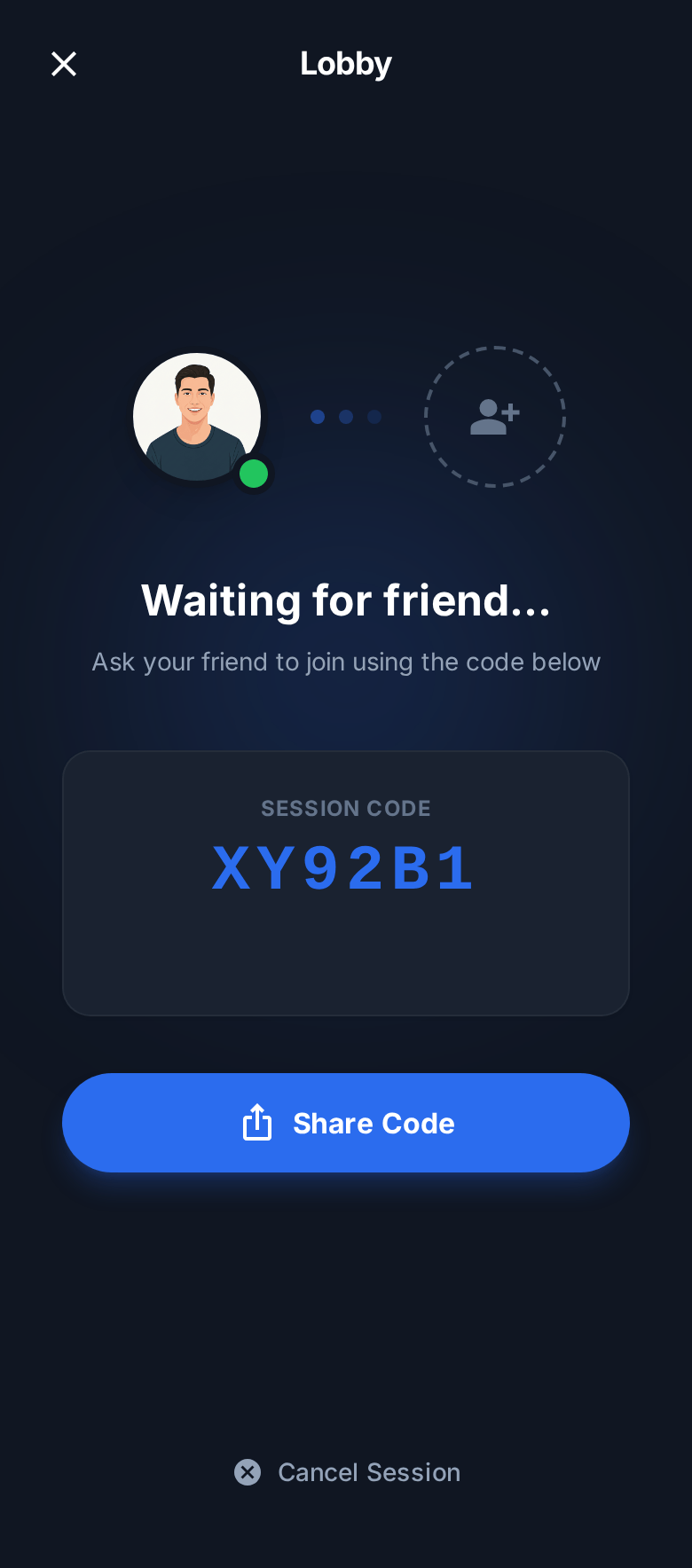
See who's joined in real time. Share the session code and start swiping the moment everyone's ready.
Browse restaurants filtered by cuisine, with photos, ratings, and price. Swipe right to like, left to pass.
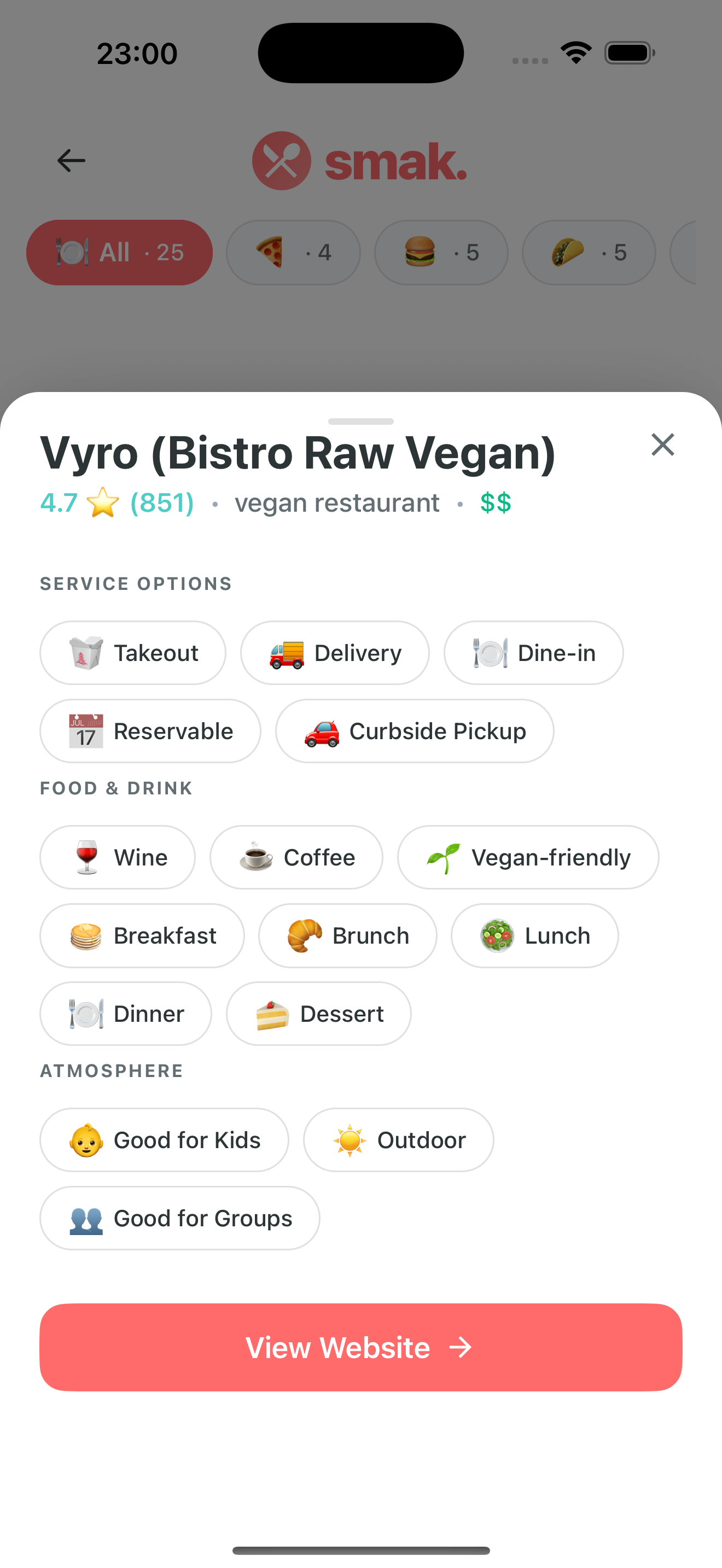
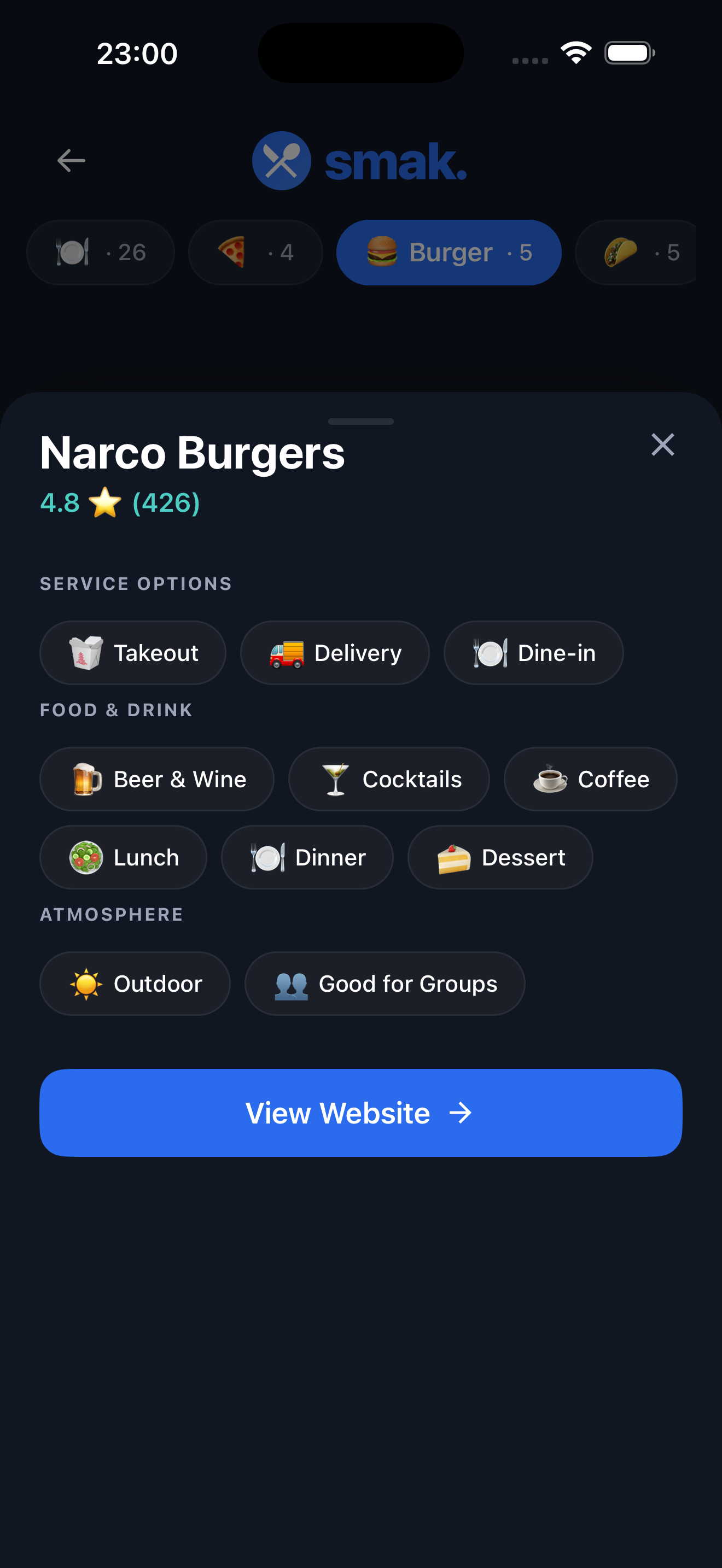
Tap any card to see service options, food & drink categories, atmosphere tags, and a direct link to the website.
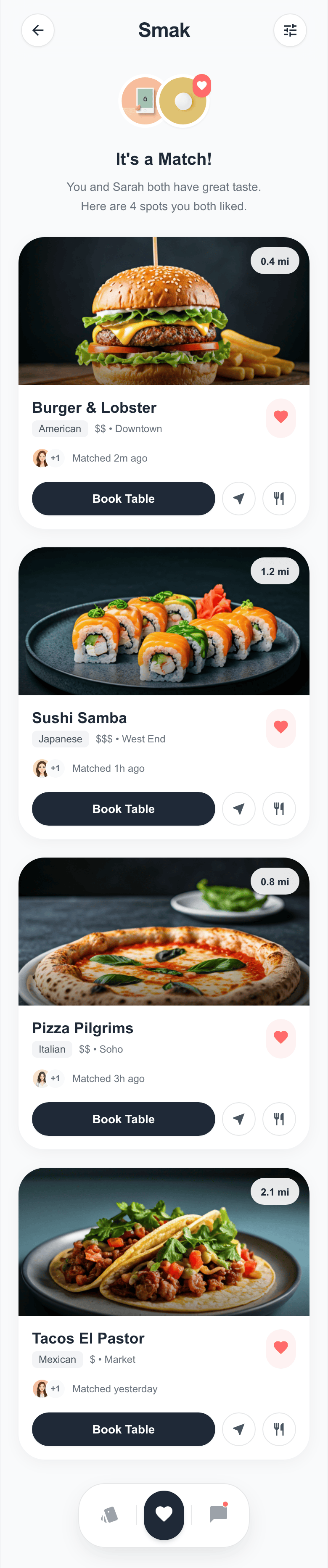

When everybody picks the same place it's a 100% match — time to go eat. Keep swiping if you want more options.
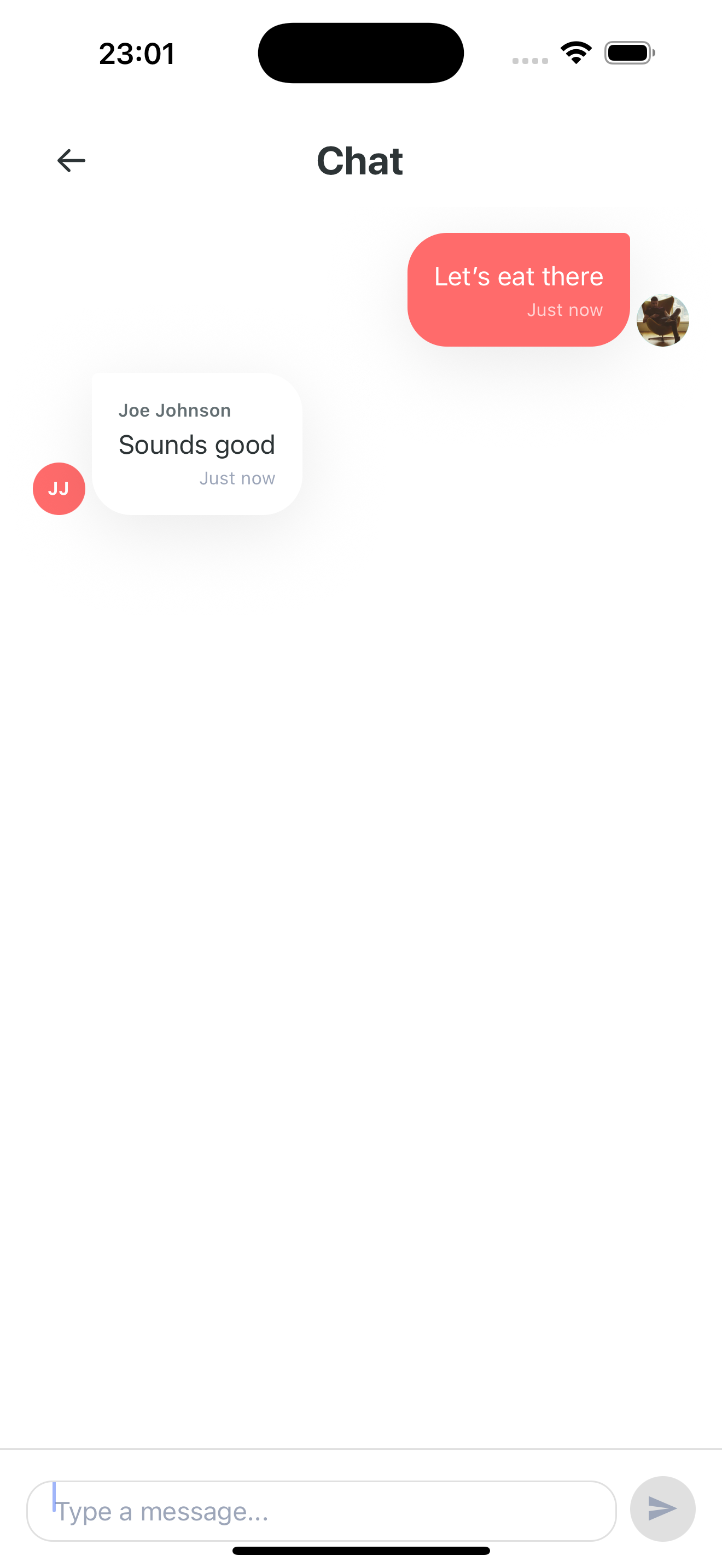
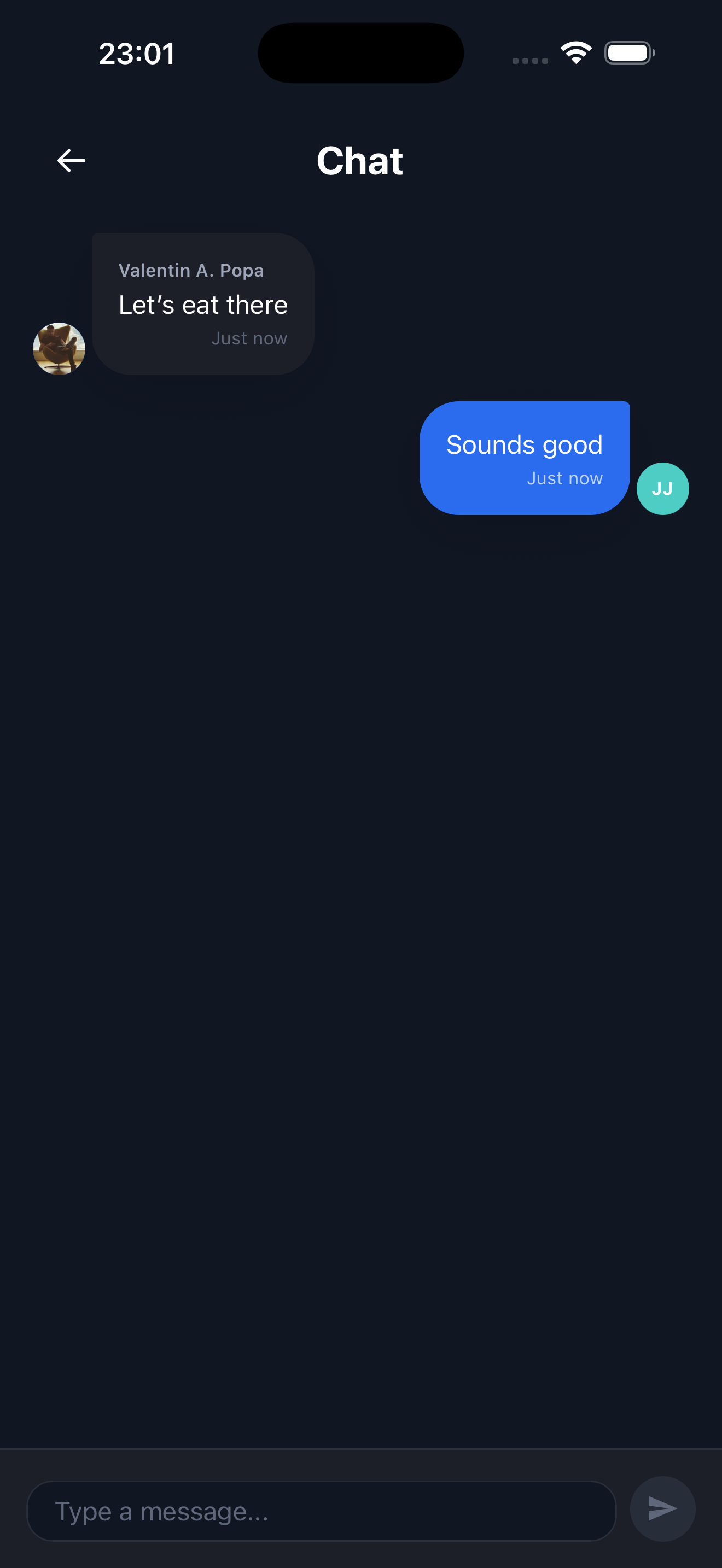
Coordinate with your group right inside the app. No need to switch to another messaging app to agree on a plan.
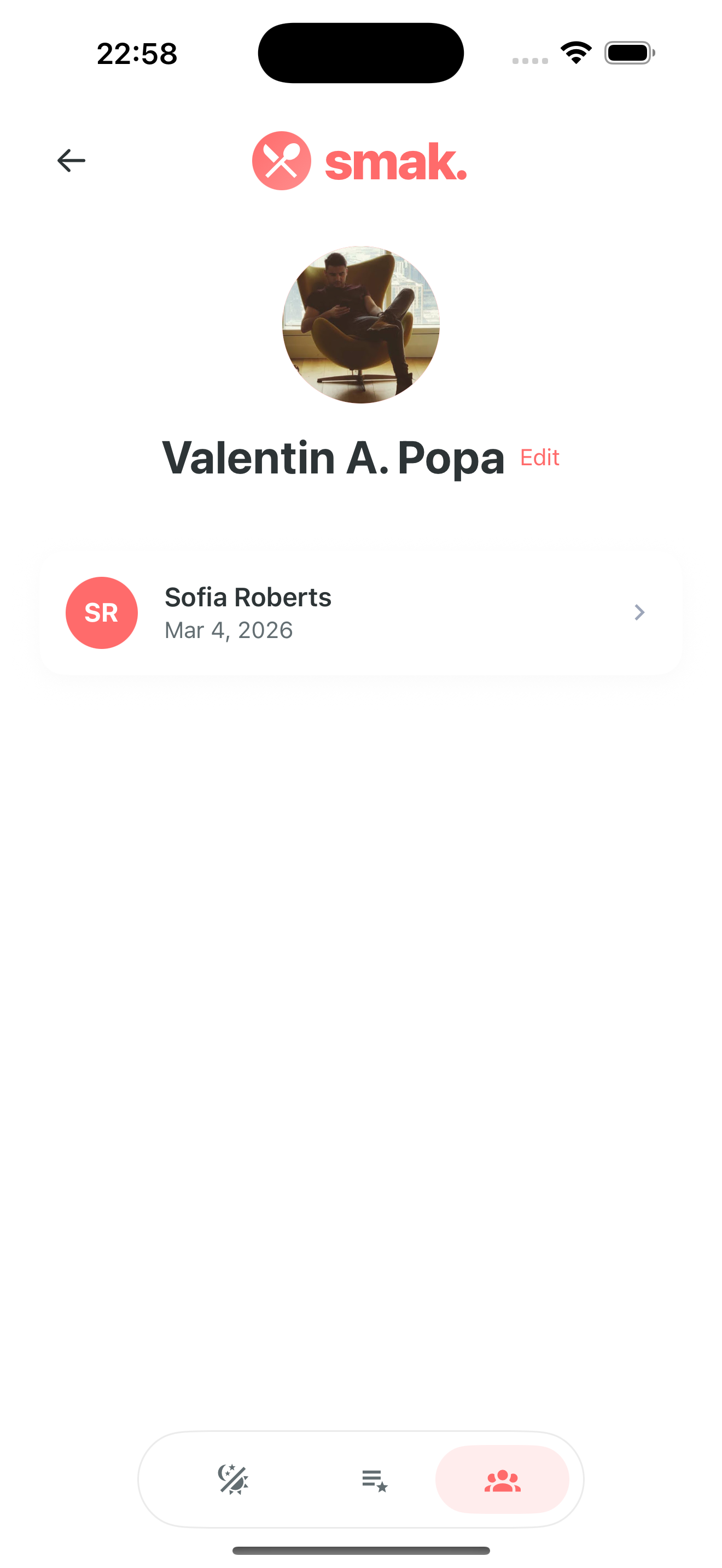
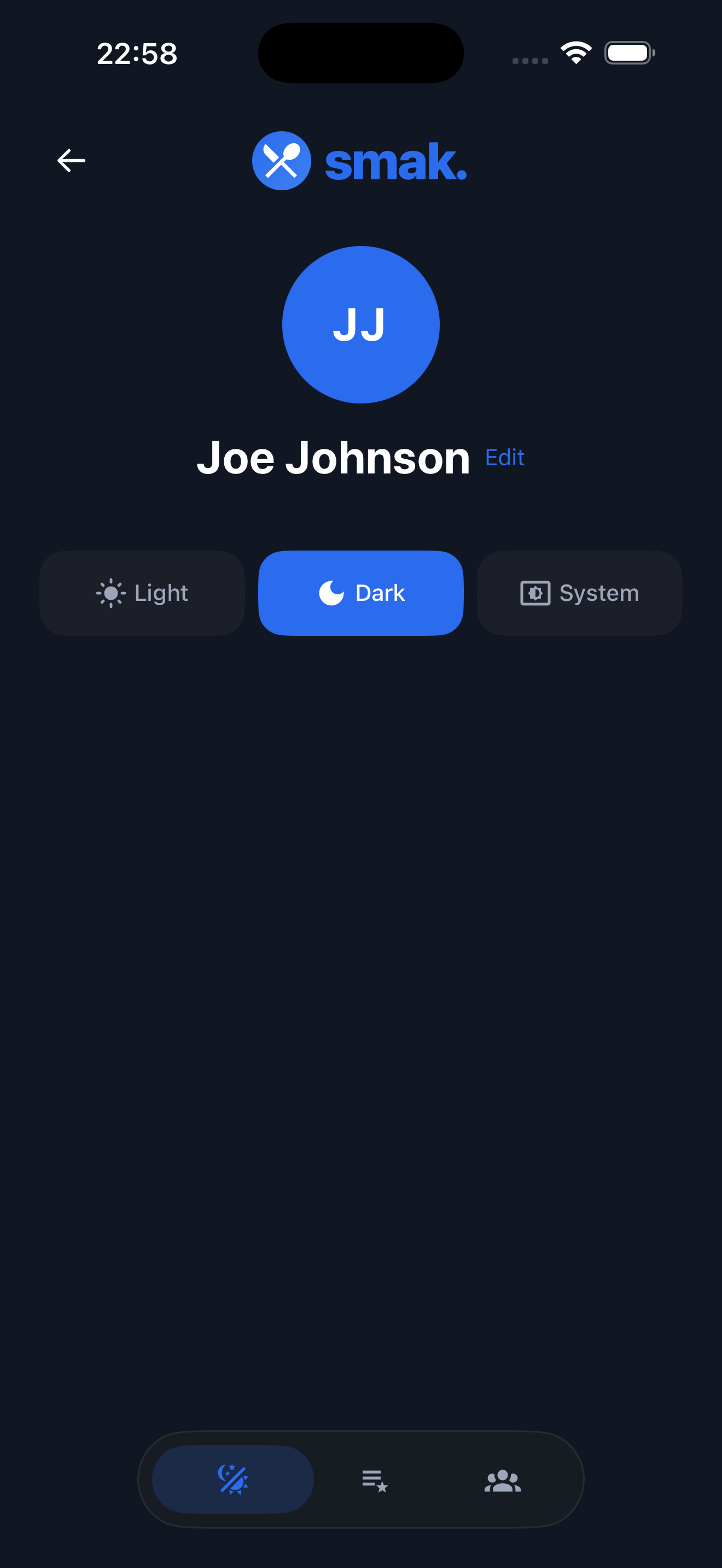
View your past sessions, see who you've matched with, and switch between light, dark, or system theme.
Start a new session or join with a friend's code
Search nearby restaurants powered by Google Places and add them to your session
Both users swipe through restaurants independently
See restaurants you both liked and pick one to visit
Smak is currently in development. Join the waitlist to be notified when we launch!